Real-time GPS
Live vehicle positions, breadcrumb history and stop detail, so dispatch can answer “where is my load” without a phone call.
Products
Three pieces, one compliance system: the PT30 Logging Device in the truck, the Monster ELD Driver App in the cab, and the Fleet Manager Portal in the office.
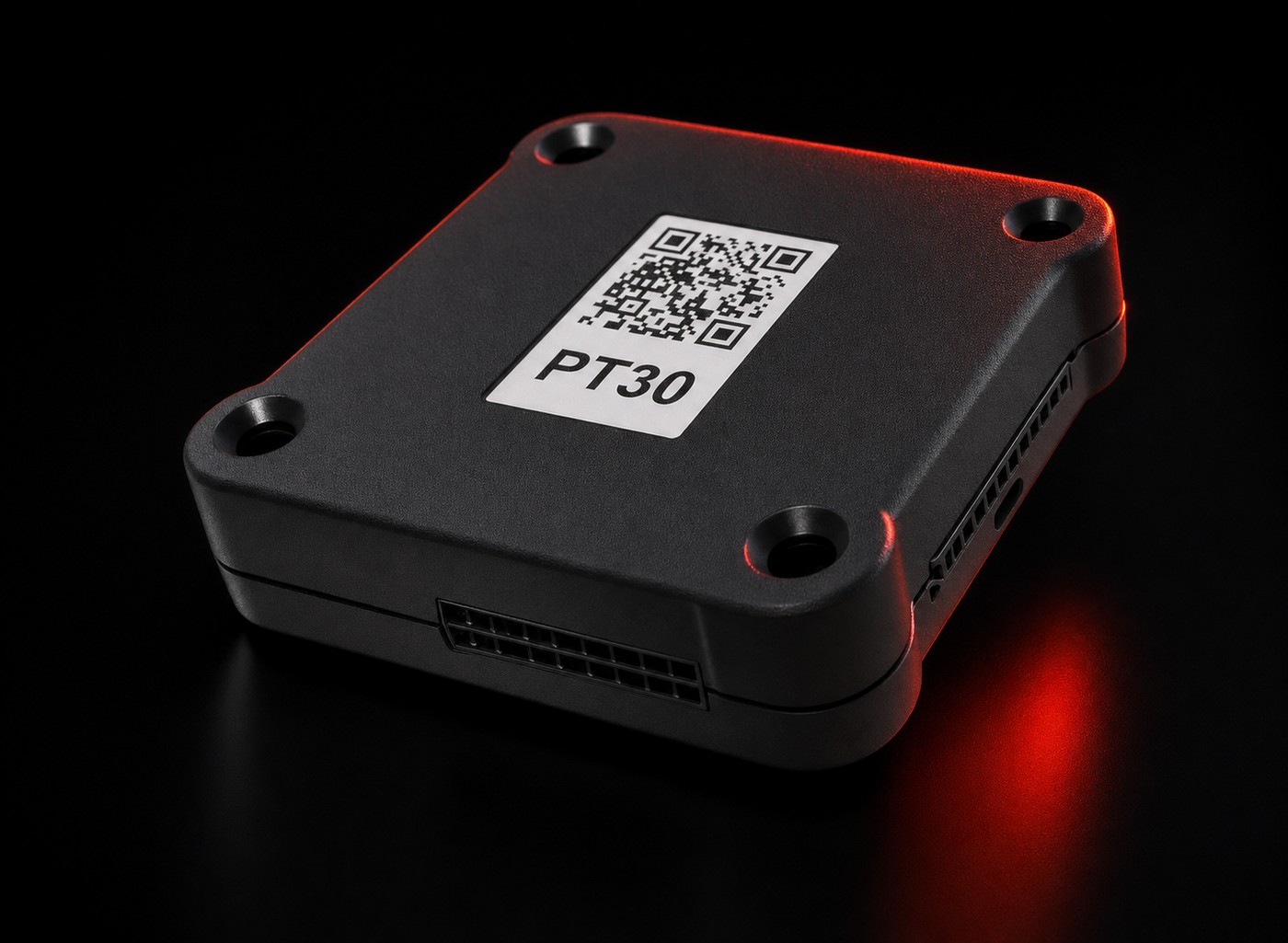
The PT30 is the engine-connected half of your ELD. It plugs into the diagnostic port, reads engine power status, motion, odometer and engine hours, and streams that data to the driver app over Bluetooth. Because it captures data at the engine, your record of duty status keeps building whether or not anyone is touching a phone.
Drivers should spend seconds on logs, not minutes. The Monster ELD app puts duty status, DVIR and inspection handoff on the first screen, and it is built to keep working where coverage does not.
One browser tab for the whole operation: where the trucks are, who is close to a violation, and what the quarter’s IFTA mileage looks like.
Illustration of the portal layout. Vehicle numbers and figures shown are examples, not live customer data.
Live vehicle positions, breadcrumb history and stop detail, so dispatch can answer “where is my load” without a phone call.
See remaining drive and duty time per driver and get flagged before a form-and-manner or clock problem turns into a citation.
Distance travelled split by jurisdiction from actual GPS and engine data, exportable when it is time to file.
Logs, DVIRs, unassigned drive time and edit history in one place, ready for an audit or a new-customer safety review.
How it goes in
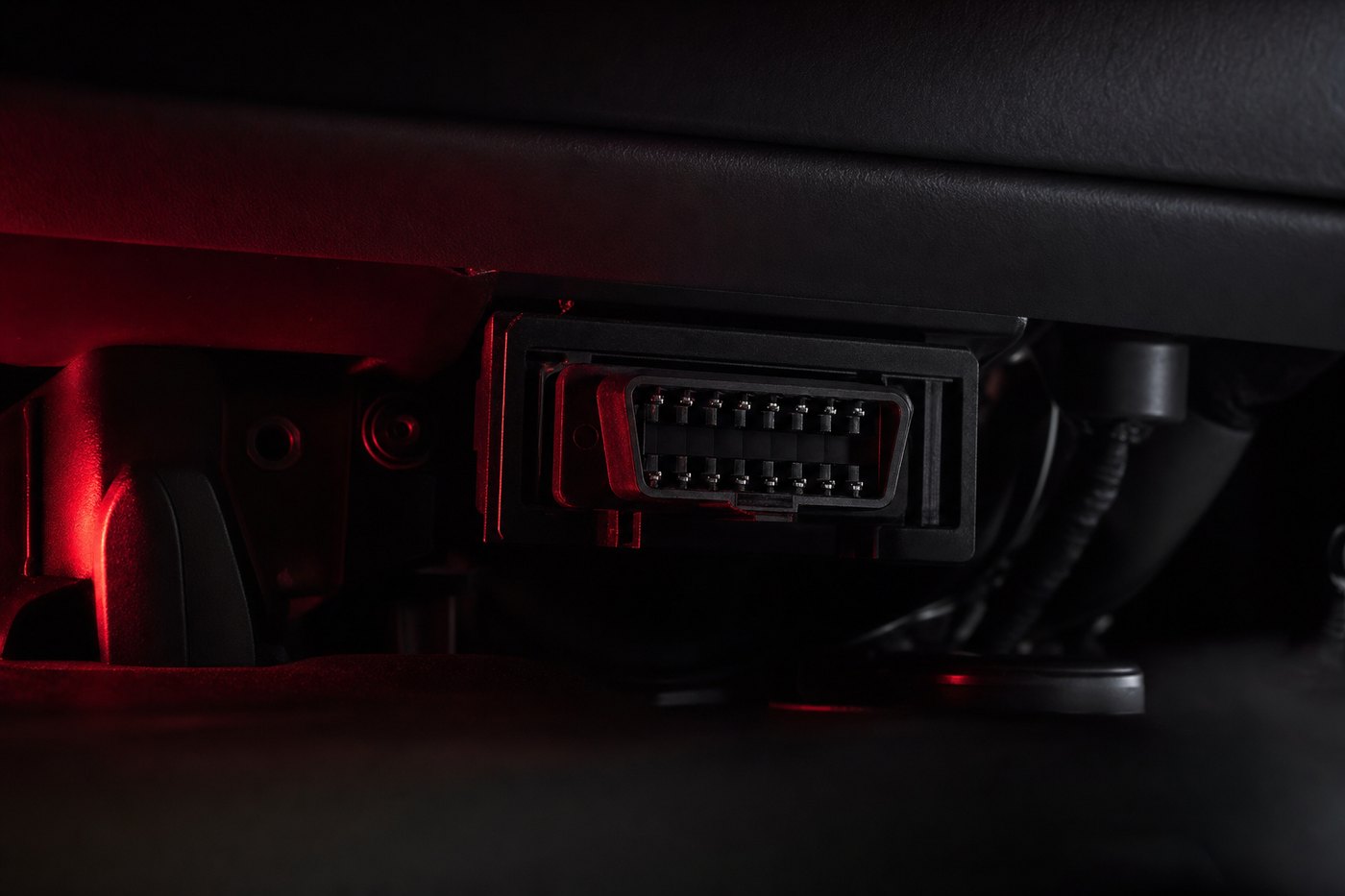
The PT30 goes where the data is: the diagnostic port under the dash. No wiring harness, no shop appointment, no installer invoice. Find the port, seat the cord, wait for the status light.
Find the diagnostic port, connect the cord, watch for the status light. Five minutes, engine off or idling.
Install the Monster ELD driver app, sign in with the credentials we send you, and pair with the PT30 over Bluetooth.
Logs record automatically. The office watches live GPS, HOS status and DVIRs from the Fleet Manager Portal.
Tell us how many vehicles you run and which diagnostic ports you have. We will confirm the PT30 fit and send ordering and account details.